

GrabFood PH To Implement Penalties and Account Suspension for Cancelled Orders
Following the recent issues of unclaimed GrabFood deliveries circulating online, Grab Philippines warns customers of a possible penalty and account suspension to customers who are “no-show” or cancels orders on the app.
Also read: How To Use GrabFood and GrabExpress
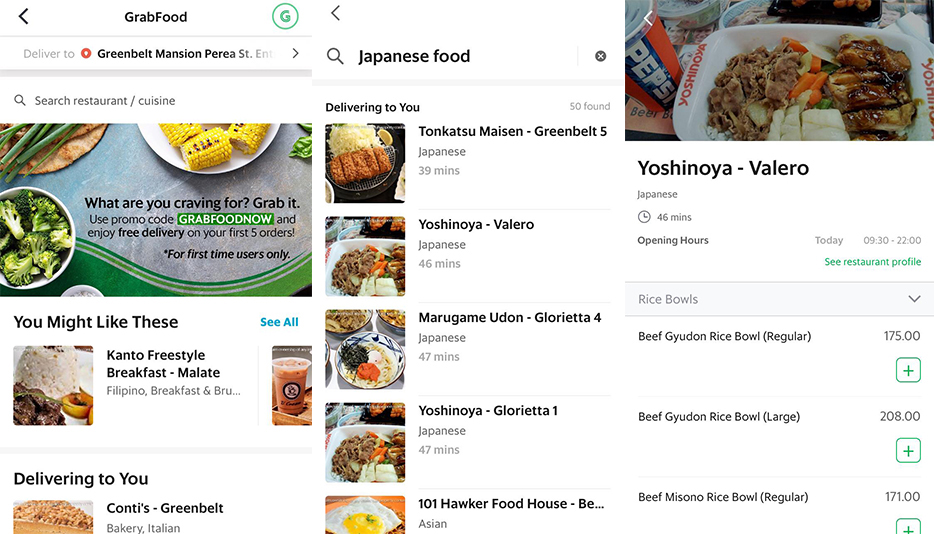 IMAGE from GrabPH
News has been rounding up all over social media about Grab Philippines’ drivers suffering from cancelled and unclaimed orders. Concerned netizens have been expressing their dismay to the issue and started a petition ‘Remove Cancel option in Grabfood Philippines‘, garnering over 30,000 signatures that finally got the attention of the company.
Grab Philippines clarifies that they DO NOT allow cancellations once orders are placed. Here’s a rundown of GrabFood Facts and important reminders for a responsible ordering:
No Cancellation
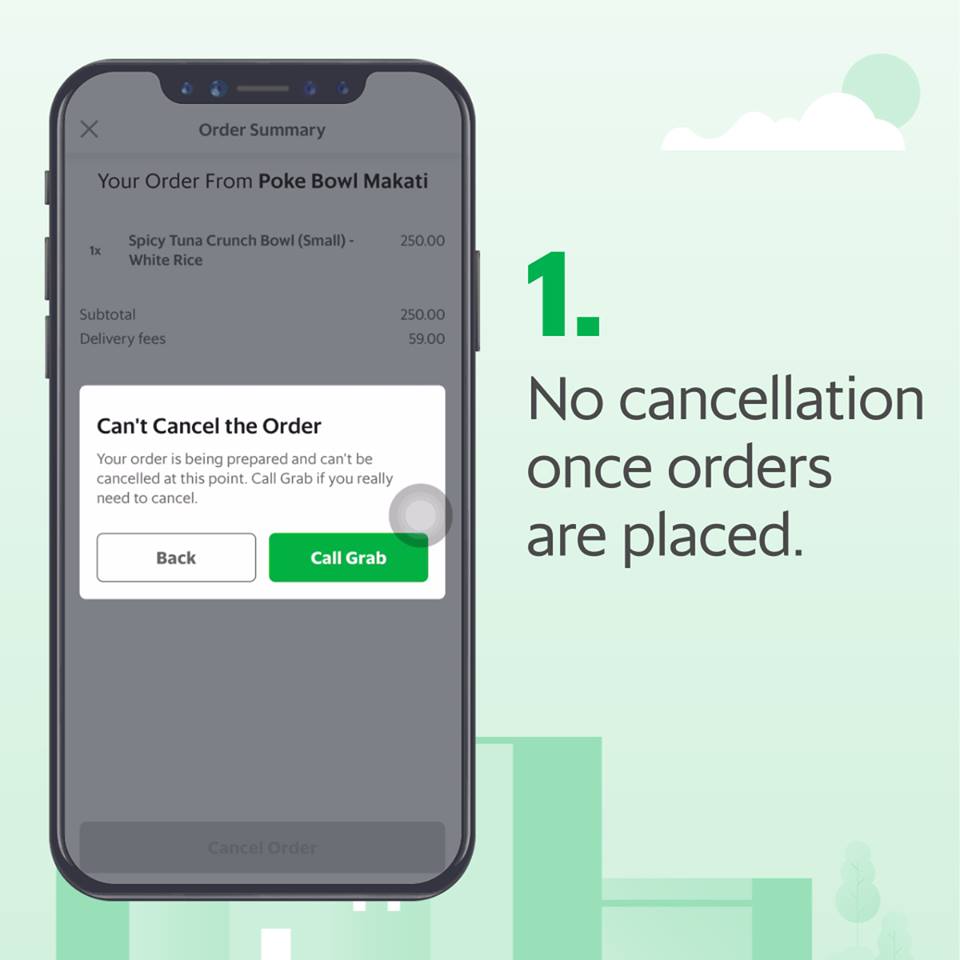 IMAGE from GrabPH
GrabFood customers must be very careful in placing orders because once the order is placed, and the partner merchant starts preparing it, a pop-up note will appear informing you that cancellation is no longer available.
Driver Reimbursements
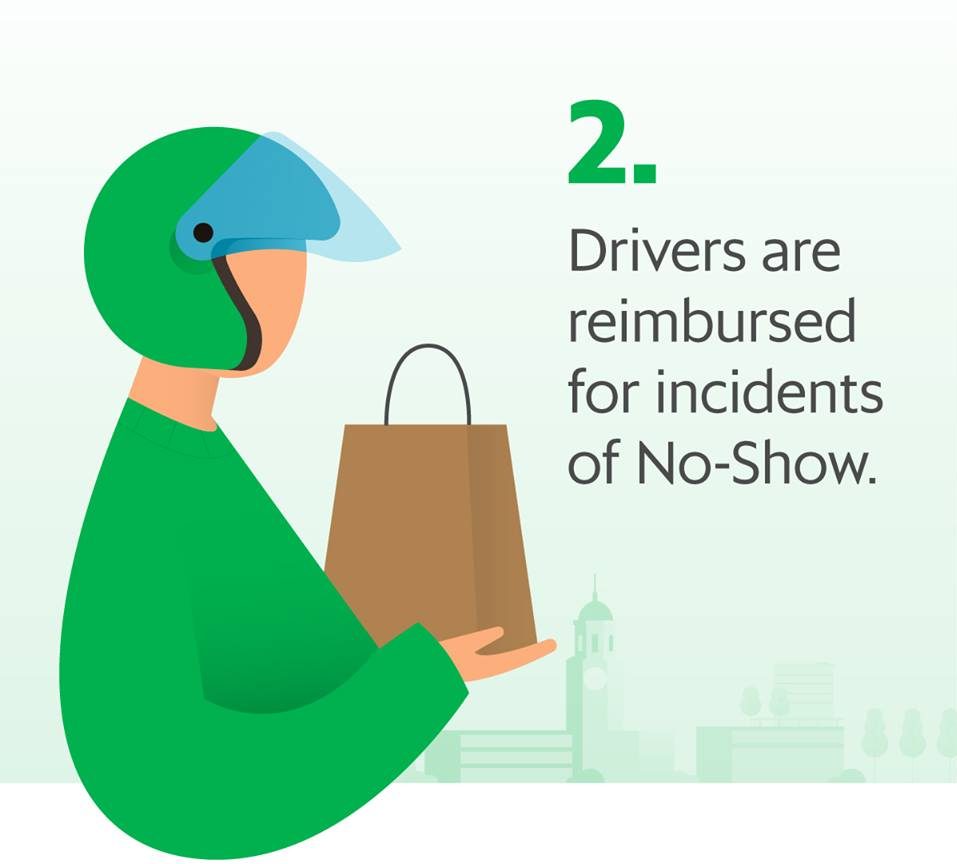 IMAGE from GrabPH
Following the stories of the riders with incidents of “no-show”, Grab Philippines announces a driver reimbursement policy. One must keep in mind that these riders may be reimbursed, but the money usually takes a few days to be received—and a portion of the riders live through a day-by-day profit.
Penalty and Account Suspension
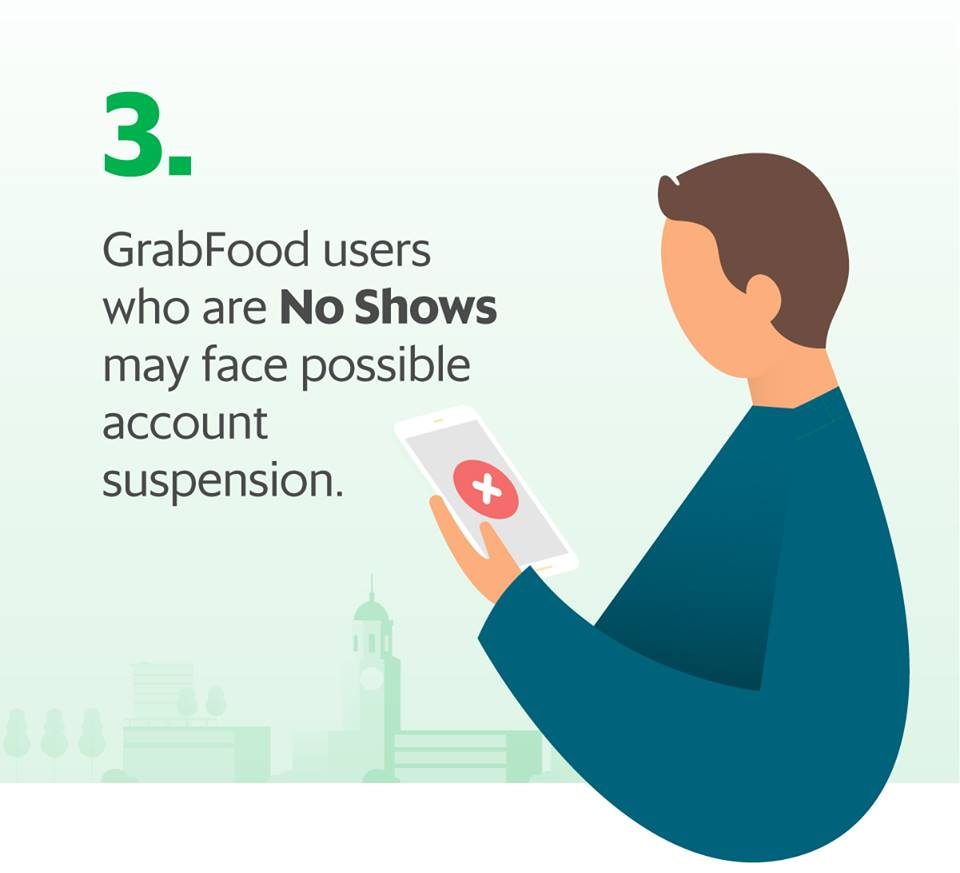 IMAGE from GrabPH
In line with the Php 50 charge for canceled Grab rides, Grab Food will also be implementing a possible penalty and account suspension to customers who are “no-show” or cancels orders.
Also read: Grab Now Charges Php 50 for Cancelled Rides
Further, Grab Philippines encourages everyone to use the service responsibly by keeping in mind these reminders:
- Make sure you log in the correct drop-off address.
- Ensure that your orders are correct before placing them.
- Keep in contact with the GrabFood rider by messaging or calling them.
For more updates and information, you may visit their Facebook page at facebook.com/GrabPH.
Source: GrabPH